So I’m feeding my PiAware into VRS. I’ve seen that there’s a feature in the VRS database where it tracks some aircraft as Interesting. As I’m in range to the local air ambulance, I’d like to be able to tag them and select others as interesting.
Does anyone know how to do that? The guides I’ve seen say to just “open the plugin”, but the plugin seems to just be an options page. Any help?
From a search I ended up on Reddit and found this:
”It’s coming from the “Interested” field in BaseStation.sqb. The database editor plugin lets you flag up interesting aircraft.”
I enabled the “Database Editor” on my VRS to check.
It turns out you have to search and mark these interesting planes based on its ICAO hex, the unique 24-bit address assigned to an aircraft. In the screenshot I copied a random one from what is currently flying up here.
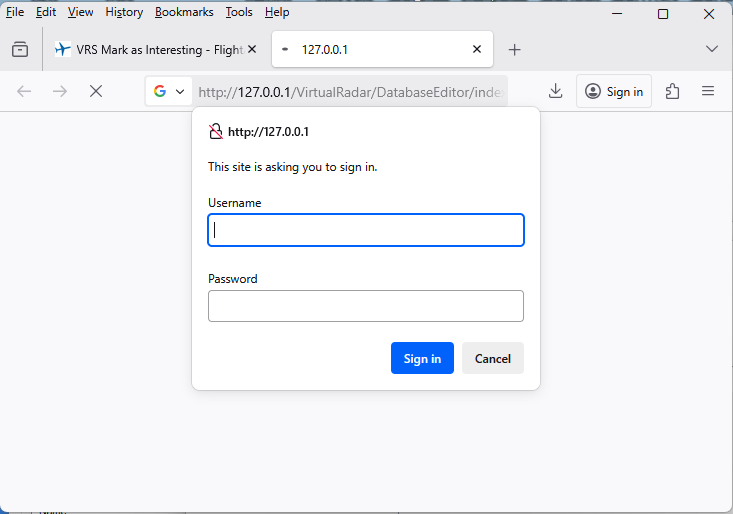
When I click the link, it opened a browser page asking me username & passwd (screenshot-2).
I have never set a username & password for VRS, so I tried Windows username & password, but that did not work. Can you please tell me where to find the username/password required by VRS?
OK, found it.
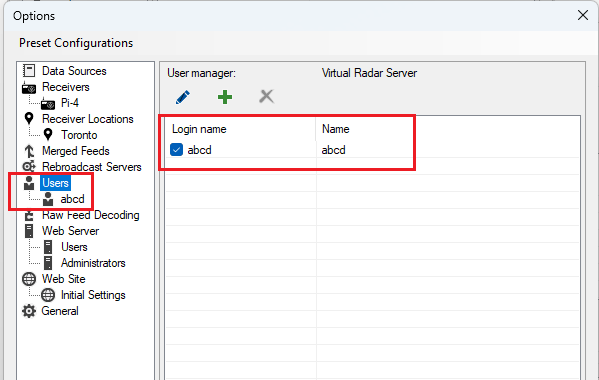
users are in tools >> options
As I am using VRS only on my home’s Local Network, and NOT sharing it on internet, and I am the only user, I NEVER setup VRS user. That is why I did not know anything about VRS’s user. Please see screenshot-1.
Now I have added a user & password. Please see screenshot-2 & screenshot-3
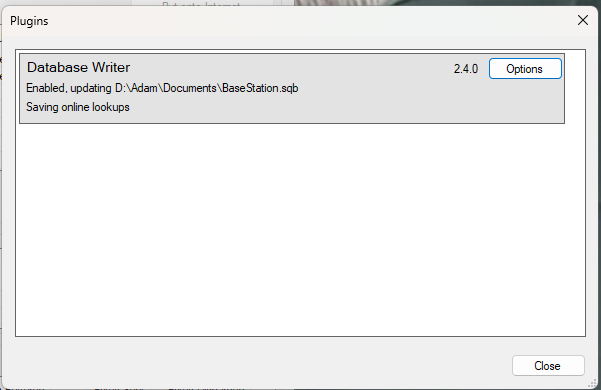
That is not the “Database Editor” plugin, it is the “Database Writer”.
You need to install an additional plugin.
Get “Database Editor Plugin 11-JUN-2018 2.4.1”:
Thanks! If only there were a way of getting the ICAO24 to show in the details window, though. Seems like my worflow is to paste the registration into Airframes.org, then copy/paste across to the Database Editor. Ahh, well.