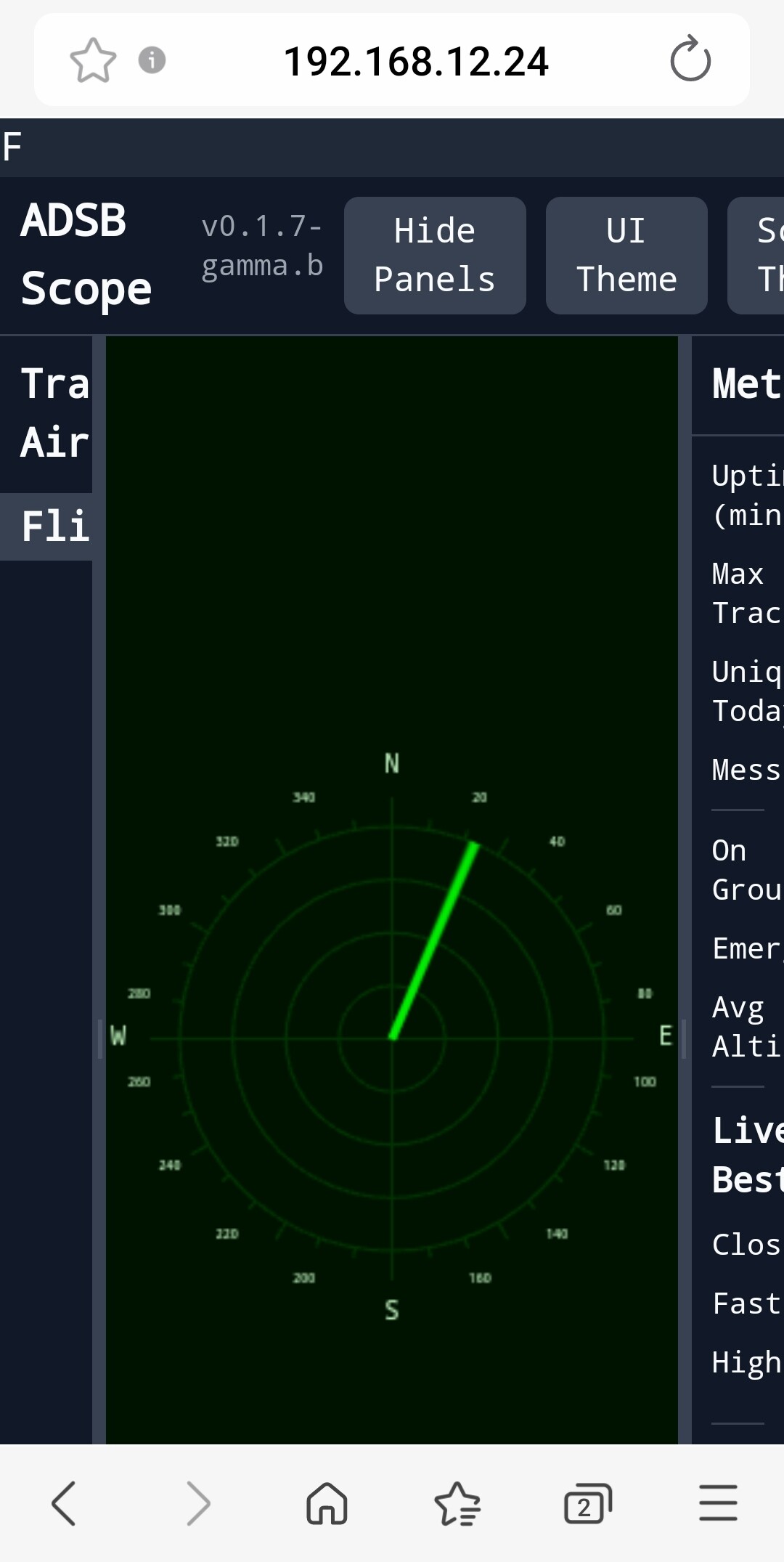
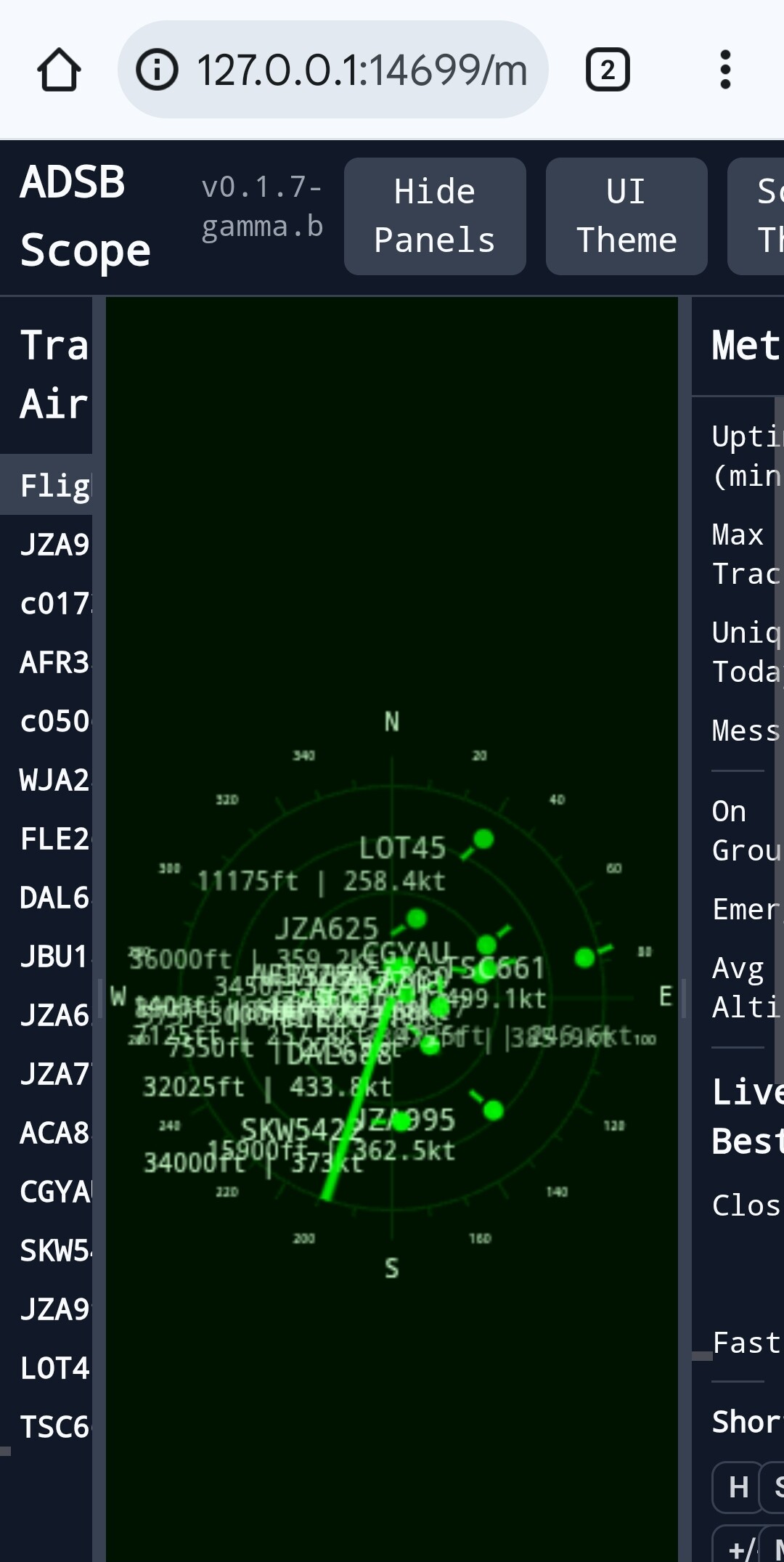
While working on a scope view for an ESP32 display and decided to just make it a single html page you that can be dropped into a tar1090/dump1090-fa folder after minimal config.
This is an initial release, there are bugs and undocumented features that may trigger on live data events and crash the page. It may not work with every feeder setup in its current state. The next release should remove configuration needs for most feeder setups.
Quick tip:
Putting adsb-radar.html on your feeder in a directory accessible through a browser =
I installed it first on my laptop & had to enable a CORS extension my browser to get it to work. I’ll move it over to my Pi eventually, but can’t be bothered right now…
I do NOT have tar1090. I have only dump1090-fa with Skyaware map.
All your config instruction are tar1090 specific, nothing for dump1090-fa, although there is a difference between the two.
(1) The /usr/share/dump1090-fa folder does NOT contain an html folder. As such I drpped your file adsb-scope.html in folder /usr/share/skyaware/html/
(2) In case of tar1090, the json file location is tar1090/data/aircraft.json. In case of dump1090-fa, the location is /run/dump1090-fa/aircraft.json. In configuration, I used
However in spite of this, your page in browser failed to display at following address:
192.168.12.24/skyaware/adsb-radar.html
There must be something wrong withe configuration I used. Can you please give details of how to configure adsb-scope.html when there is No tar1090 installed, and only dump1090-fa with skyaware map is available. Thank you.
Required:
(1) Exactly in which of the following folders your file adsb-scope.htnl is to be dropped:
`/usr/share/dump1090-fa
/usr/share/skyaware/html
Any other folder (please specify full path)
(2) What value for const TAR1090_URL shold be set in case if no tar1090 is installed.
(3) Full url to be used to display adsb-radar.html in a browser on a computer on same local netwok
On a setup where you’re using a browser on a desktop computer and the pi is on the local network, I think you put the file adsb-radar.html on the desktop computer that has the browser. Then just double click on it and the browser is launched. I least it is with Safari on a Mac.
I edited adsb-radar.html as:
const TAR1090_URL = “http://[ip of pi]/run/dump1090-fa/aircraft.json”
and also added location, and launched the browser as above. Unfortunately all I got was the user interface with the sweeping radar scope but no aircraft.
I noticed in the Github readme it has the following caution:
“If the data source is on a different domain, you may encounter CORS (Cross-Origin Resource Sharing) errors and only the UI will load. The server hosting aircraft.json must be configured to allow requests from the domain where you are viewing adsb-scope.html to load the data from the json file.”
Doesn’t that mean the server on the pi (usually lighttpd) has to be reconfigured for this to work?
Edit to add: I guess adsb-scope.html is the same adsb-radar.html.
On a setup where you’re using a browser on a desktop computer and the pi is on the local network, I think you put the file adsb-radar.html on the desktop computer that has the browser. Then just double click on it and the browser is launched.
Just preventing further inquiries you will get.
Or you could provide similar instructions to load it into the skyaware html directory
That way it doesn’t need tar1090 for those that don’t have it.
The receiver.json will have lat lon the same.
@abcd567 if you drop it in the tar1090 or skyaware html directory, you don’t need to change the aircraft.json it comes with by default.
Not sure if this is bug in the html or my browser acting weird, but when I click on one of the aircraft “blips”, I get a tooltip kind of popup that shows all of the message data for that plane.
This works great if the one that I click on is in the upper 2/3 of my screen. For any flight near the bottom, the tooltip extends below the bottom of the display and I can’t see a way to move it or scroll in such a way that I can see all of the content.
It seems to be that the popup is always to the lower right of the cursor - even if there is no screen available to display there.
@jimMerk2
Please see my yesterday’s post. This is exactly what I did yesterday, and got a radarscreen on 192.168.12.24/skyaware/adsb-radar.html with rotating green line, but no planes. It seems system is not allowing the adsb-radar.html to pull aircraft.json from folder /run/dump1090-fa/
@jimMerk2
I did not find it yesterday when I browsed @tritium’s Github site. Either I missed it or it was added later. Even when I posted my settings and requested @tritium to tell me where I made mistake, he did not tell me the correct setting, instead proposed to install tar1090.
Only 4 hrs ago, I found it by studying the file /etc/lighttpd/conf-enabled/89-skyaware.conf , where under CORS Header (Cross-Origin Resource Sharing) it was clear. Please see screenshot below
By the way, Radar scope also works fine if you have the adsb-radar.html file on your laptop/desktop machine with the feeder on your local network. Just use full url to the feeder (usually pi) for const TAR1090_URL in adsb-radar.html as it says in the GitHub readme. There doesn’t seem to be any problem with CORS (at least on a Mac using Safari browser). YMMV with other browsers.
(1) On my Windows 11 Desktop, the local drop-in file adsb-radar.htmldoes not work either on Firefox or Google Chrome. No aircraft, and no rotating green line. The Desktop and Pi are on Same local network, and I have used full path:
(1) On my Android Phone, when on same WiFi as RPi, the local drop-in file `adsb-radar.html with above noted TAR1090_URL, does WORK OK on default browser (Samsung), Firefox and Google Chrome at following address: