
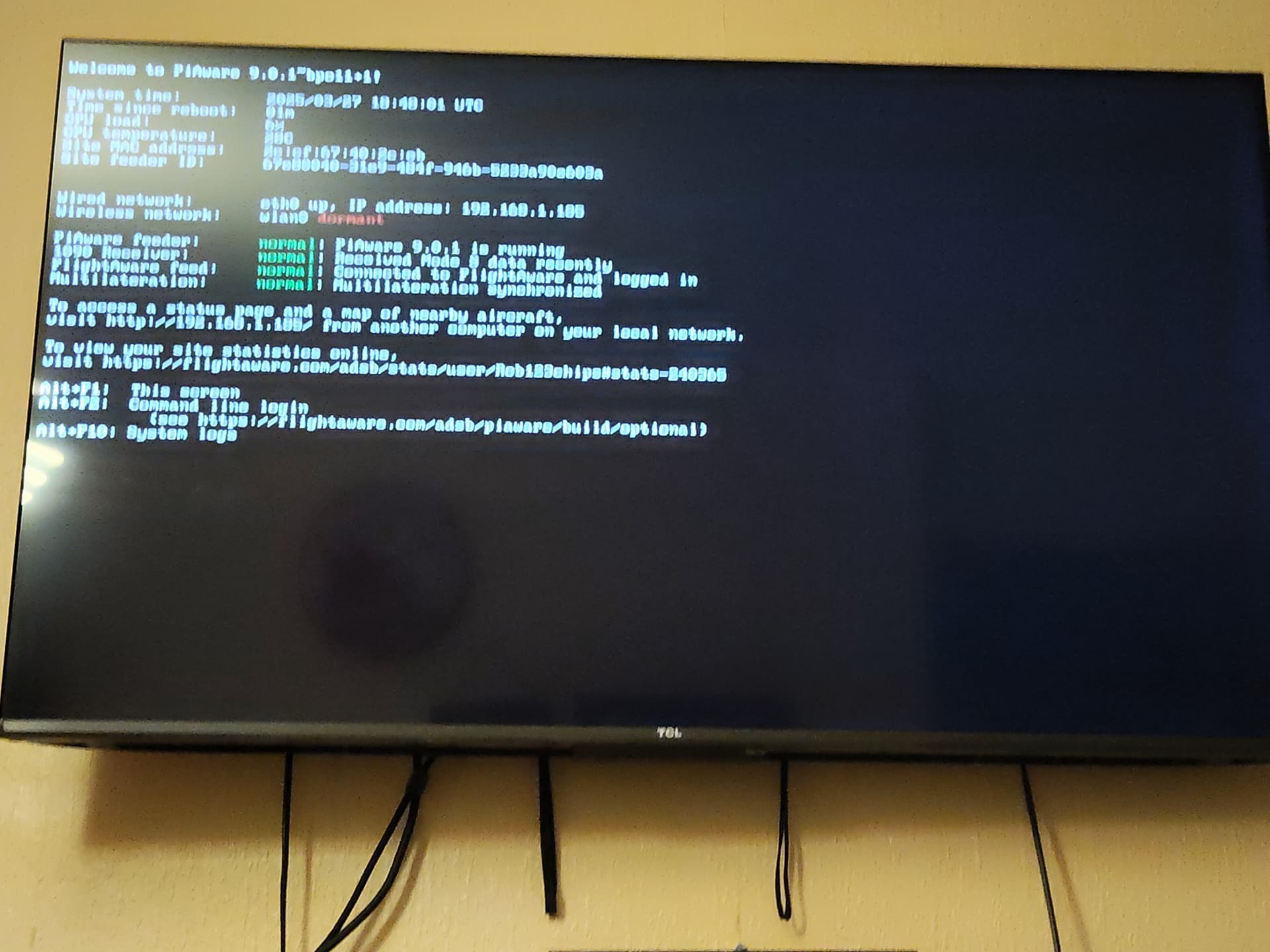
Please mmay someone help I’m trying to get to the command line but if I do alt+F2 it asks for raspberry I’d which I put in and then when try enter password won’t let me so I’m stuck
For the SD card image the following login credentials apply:
Username : pi
Password: flightaware
So if you haven’t change them that should get you into the commandline
1 Like
It won’t let us type nothing in where it says password
It lets you type the password, but it is hidden, so you dont see it and think it is not letting you type anything. Simply type password (you wont see it) and press Enter key
1 Like
That’s a Linux security feature. It simply does not show what you are typing when it comes to password entry.
Simply type it in and hit the return button. If the password is correct, you will be logged in. If not, it will tell you also.
But during entering the password you won’t see anything on the screen.
No haven’t changed it as don’t no how to but it don’t let me type nothing in where password should be
Please share a screenshot what can be seen after you pressed Alt-F2
Normally the login is waiting at the prompt for your username (which is pi for Piaware image). Once you hit return the password prompt should appear
This topic was automatically closed 365 days after the last reply. New replies are no longer allowed.